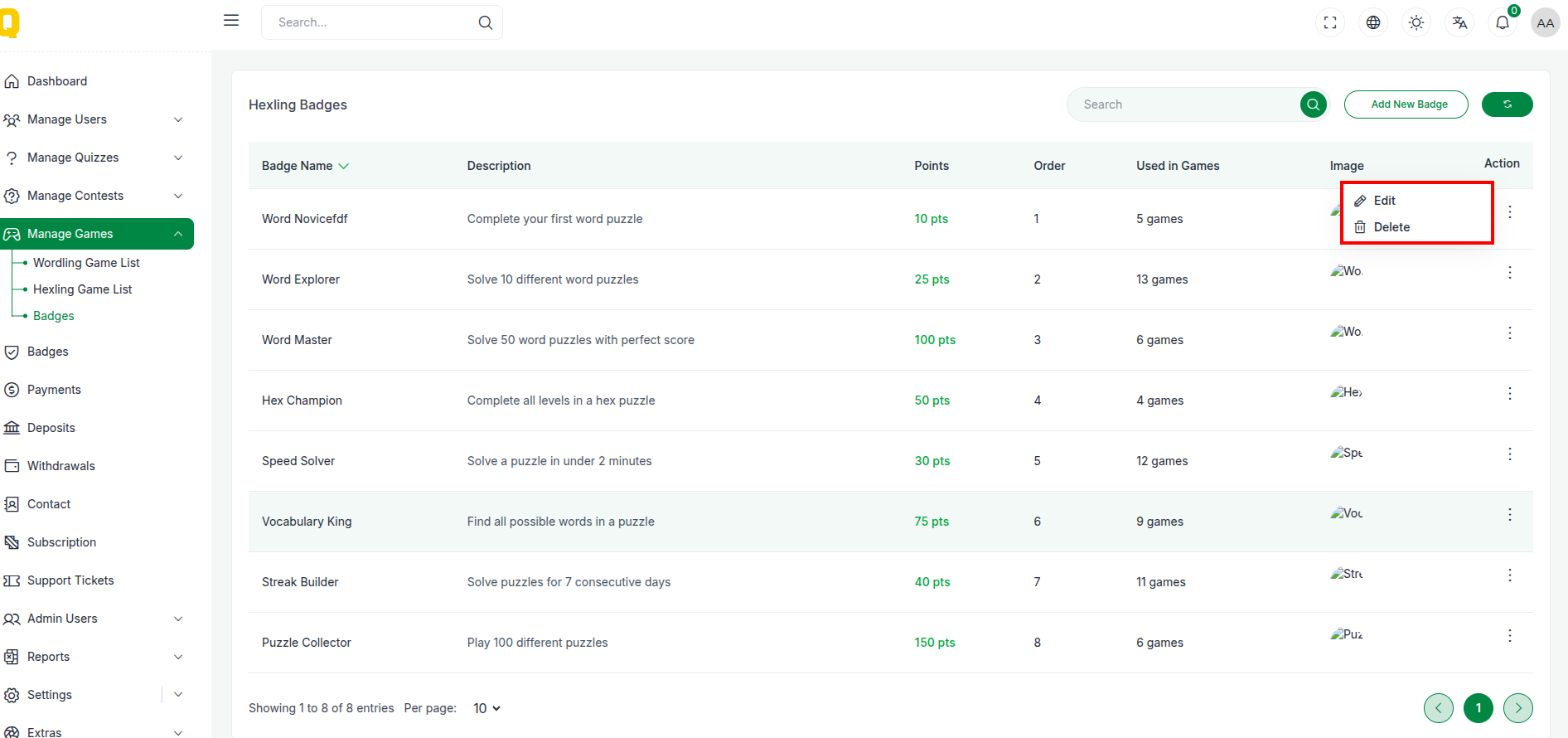
Manage Hexling
The Manage Hexling section provides tools to manage the Hexling game, including defining levels, words, and managing badges associated with the game.
Hexling List
The Hexling management interface shows a list of configured Hexling levels/words.
📋 Table Structure
| Column | Description |
|---|---|
| Center Letter | The required center letter for the puzzle. |
| Outer Letters | The other letters forming the hex. |
| Status | Active or Inactive status. |
| Action | Edit or Delete controls. |
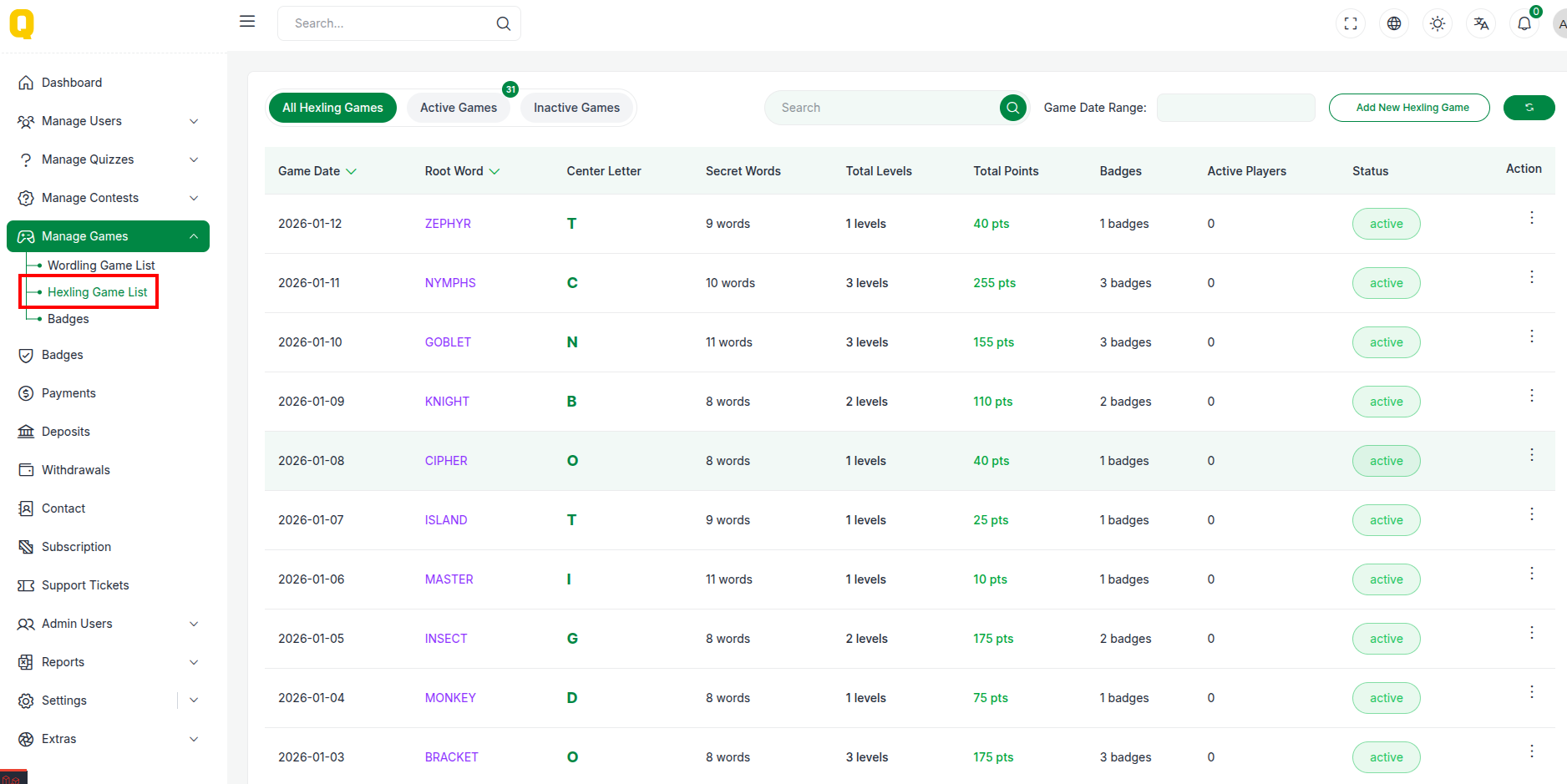
Add New Hexling
Create a new Hexling puzzle by defining the letters.
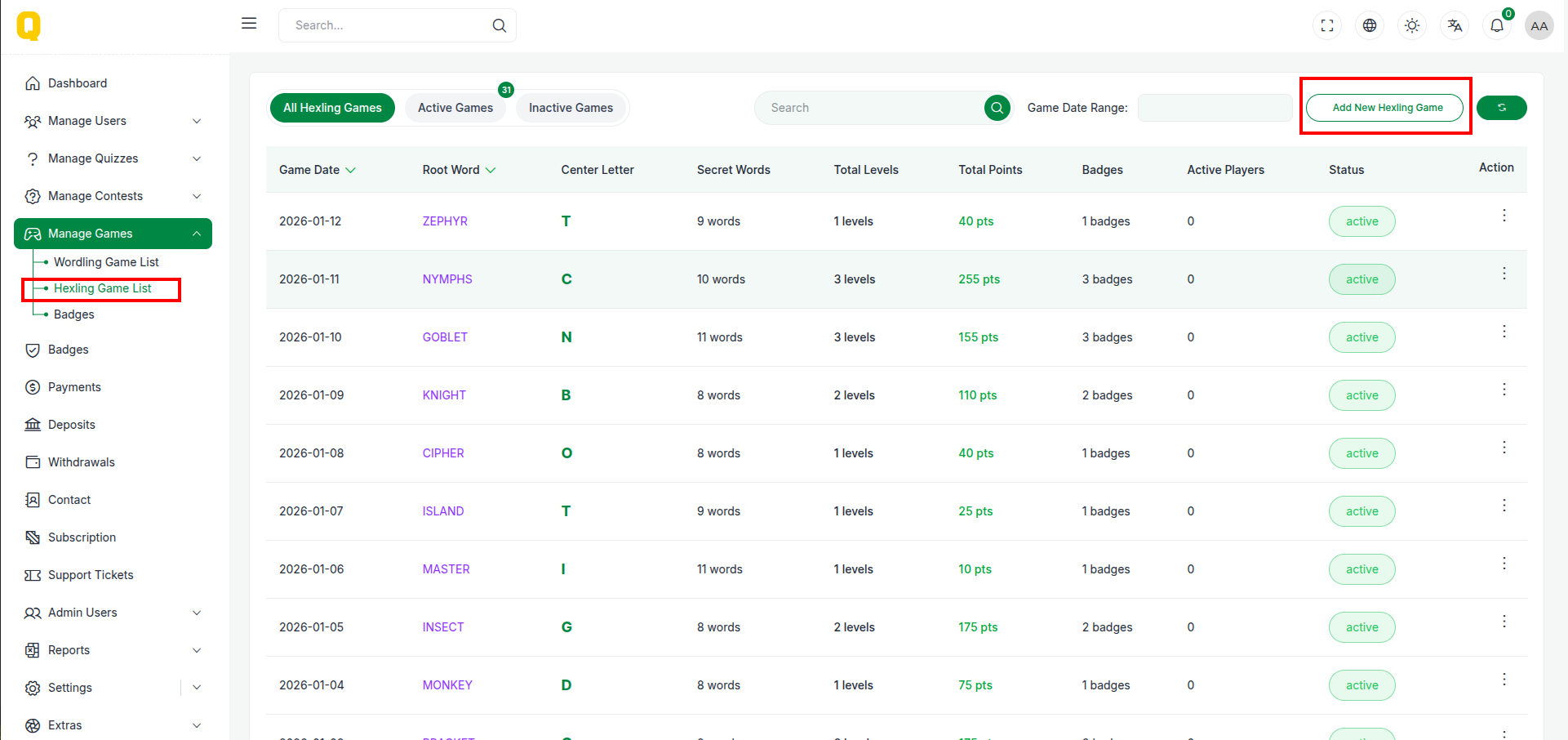
Accessing the Form
Click "Add New" to start creating a puzzle.
📝 Form Fields
- Center Letter: The key letter that must be used in every word.
- Outer Letters: Surrounding letters to form words.
- Status: Enable or disable the puzzle.
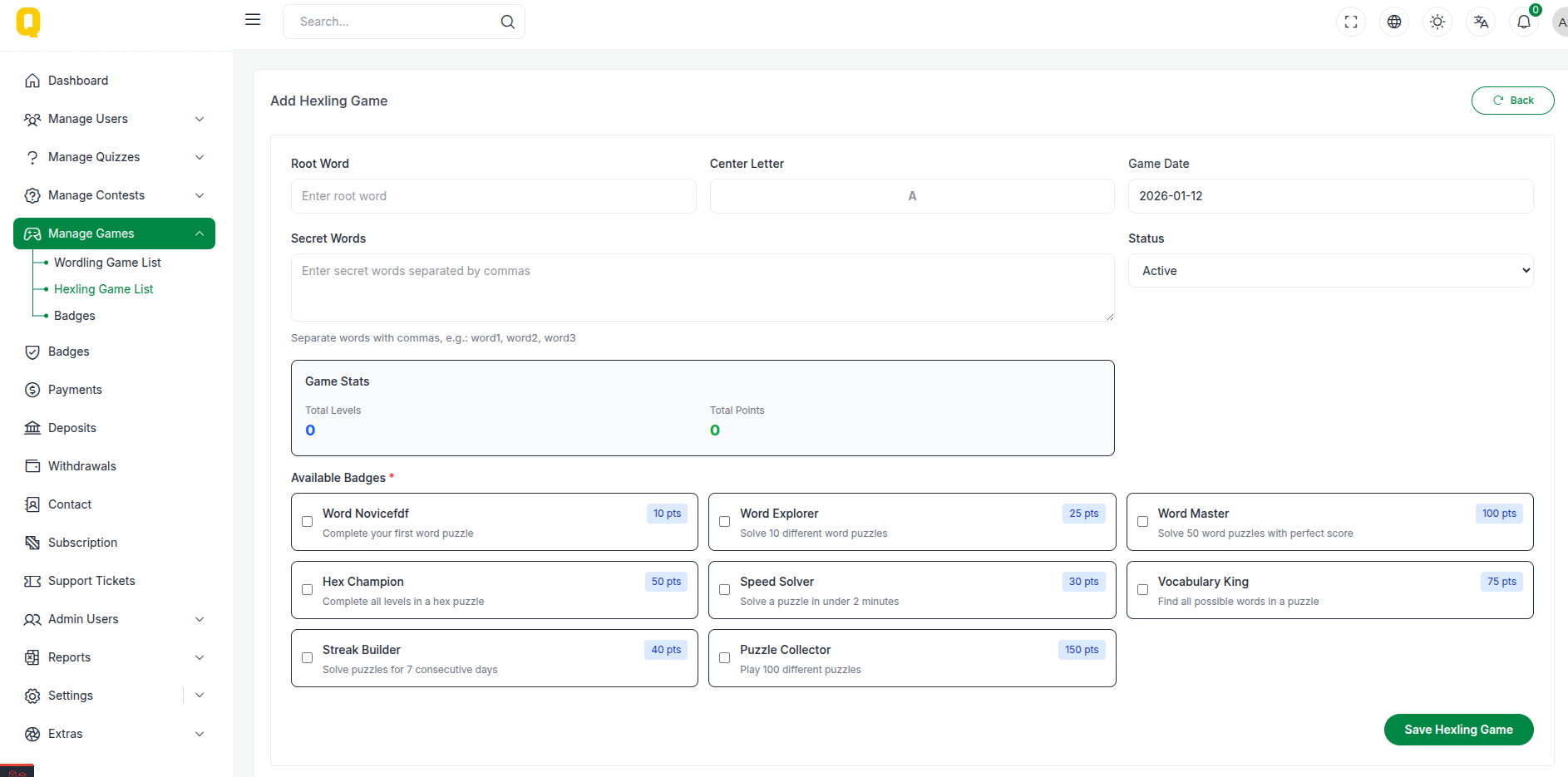
Hexling Badges
Badges can be awarded to users for achieving specific milestones in the Hexling game.
Manage Badges
View and manage the badges available for Hexling players.
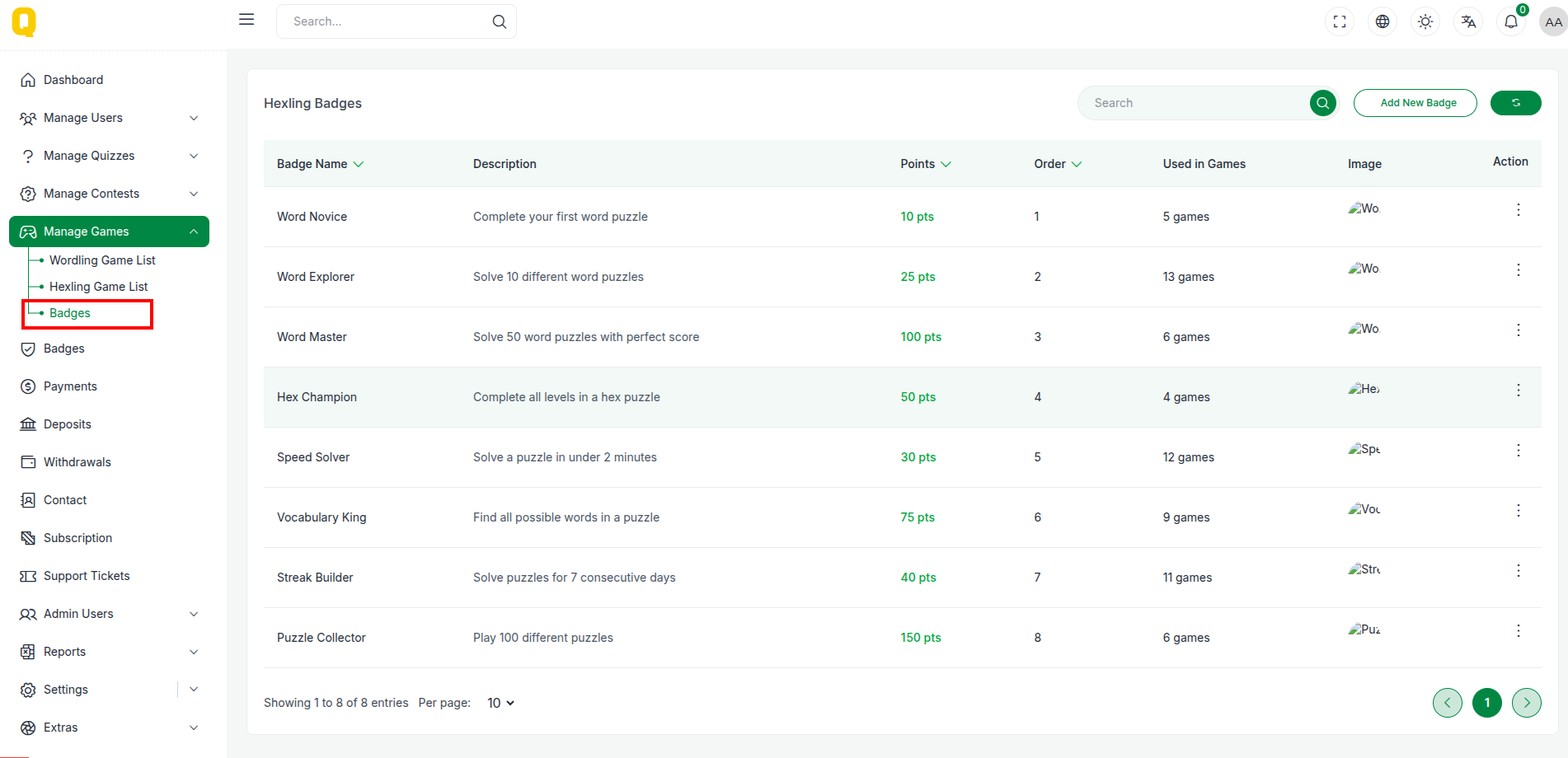
Add Badge
Create a new badge with specific criteria.
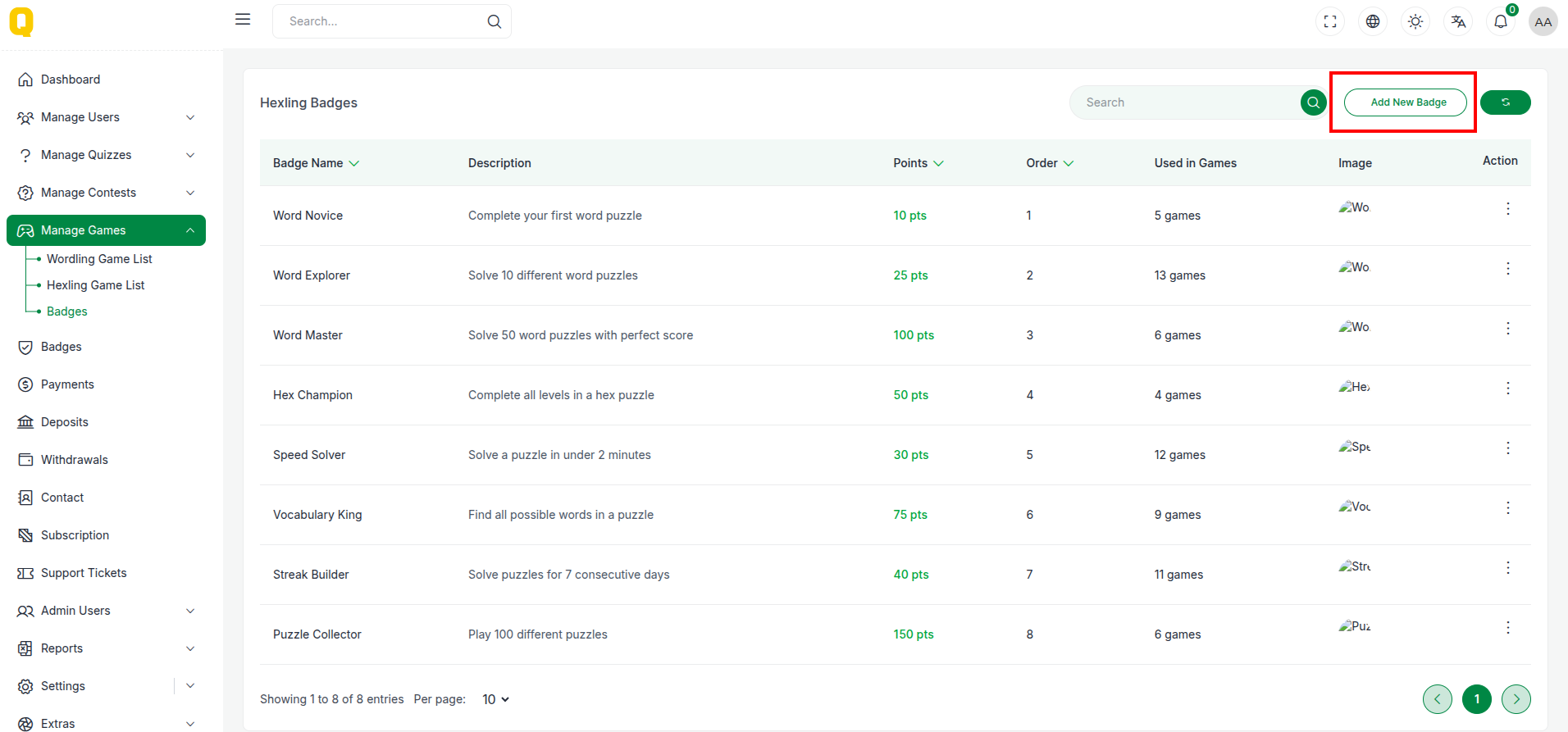
Badge Actions
Edit or delete existing badges.